Make your my 9 games grid from your Steam library
Paste your Steam profile link and get a grid of your most played games, sorted by hours. Swap any cover, then download or share it.
Picking nine games from memory is hard. Your Steam library already knows where your hours went, so let it make the first draft. Other “my 9 games” sites only search for games one at a time; this one reads your own library.
How it works
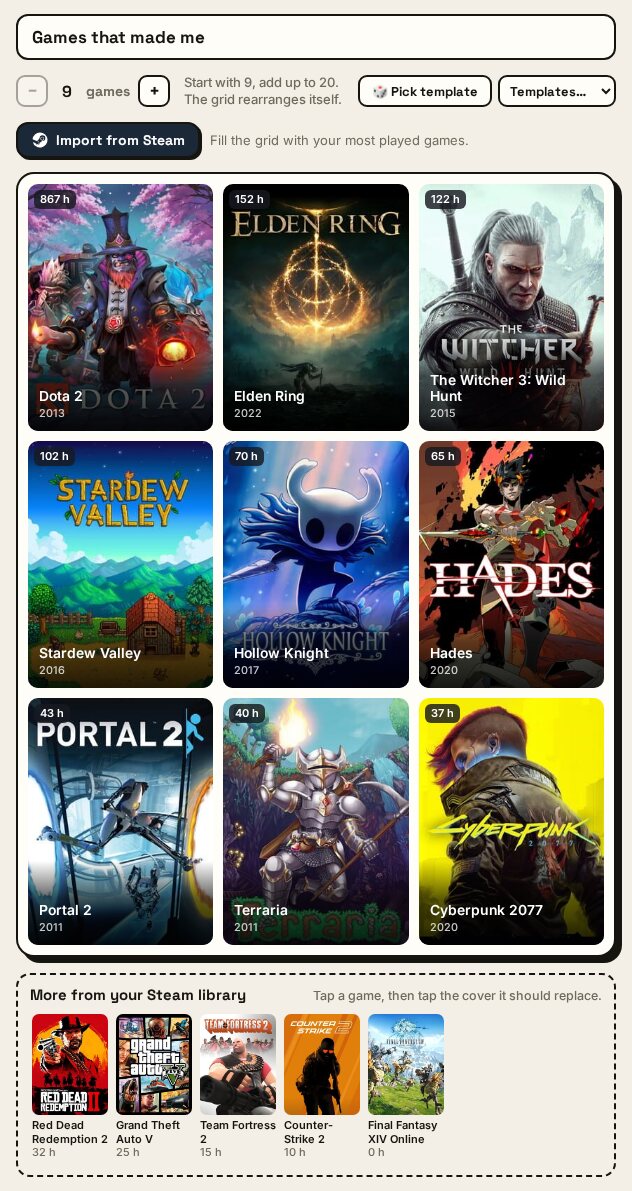
- Open the grid maker on the homepage or any template, and click Import from Steam under the title.
- Paste your profile link:
steamcommunity.com/id/yournameorsteamcommunity.com/profiles/7656…. A SteamID64 or your custom URL name works too. - Your most played games fill the grid, sorted by playtime: the top 9, or as many as your grid holds (up to 20).
- Swap what you like. The rest of your top 50 wait under the grid in “More from your Steam library”, each with its hours. Tap one, then tap the cover it should replace. You can still search for any game, including console games.
- Download or share. Hours show on the covers while you edit; the downloaded image leaves them out.
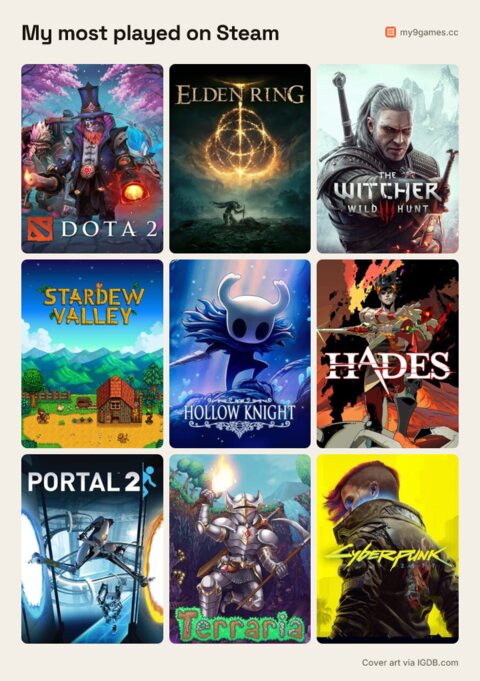
When you download the image or copy the link, the hours drop off and you get a clean grid:
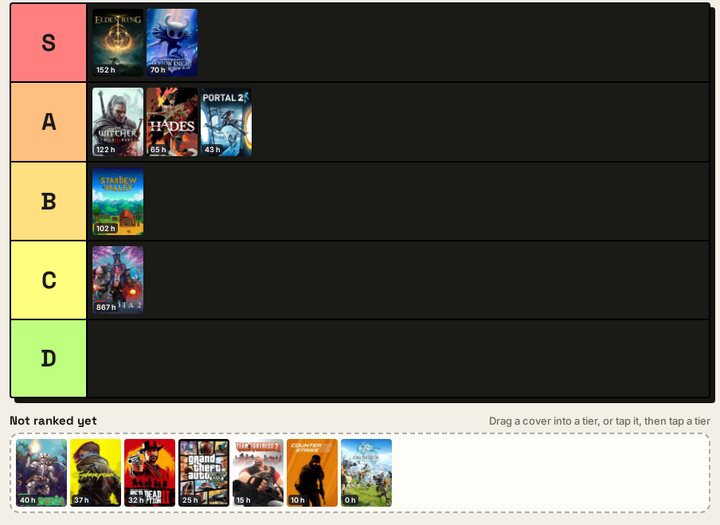
Steam tier list
The tier list maker has the same button. Your 30 most played games land in “Not ranked yet”, with their hours, ready to drag into S, A, B, C and D. A quick way to rank everything you actually played instead of everything you remember.
Privacy
The import needs your Steam “Game details” to be public, because Steam only shares public game lists. We read the list once through Steam’s Web API. Your Steam ID, profile link and library are not stored in a database or written to logs.
Questions
My Steam profile is private. What do I do?
Only the game list needs to be public, not your whole profile. In Steam, open your profile, choose Edit Profile, then Privacy Settings, and set “Game details” to Public. Try the import again; you can set it back to private afterwards, because nothing is kept.
Can I add console games that are not on Steam?
Yes. The import only sees your Steam library, so add PlayStation, Nintendo or Xbox games the usual way: tap a square and search. The search knows acronyms like botw and ff7.
Do free-to-play games count?
Yes, once you have played them. Steam lists the free games you have launched, with their hours, so Dota 2 or Counter-Strike can top your grid. Free games you never opened are left out.
Why is one of my games missing?
A few Steam apps are not in our catalog: tools, soundtracks, demos and some very small games. They are skipped, and the next most played game takes their place. If a real game is missing, tell us.
Do you save my Steam ID or my games?
No. Your profile link, Steam ID and game list are not saved or written to our logs. The result is kept in the server cache for ten minutes under a scrambled key, so a second try is quick. See the privacy page.
Is this made by Valve?
No. My9Games reads the public game list through Steam’s official Web API and is not affiliated with Valve or Steam.